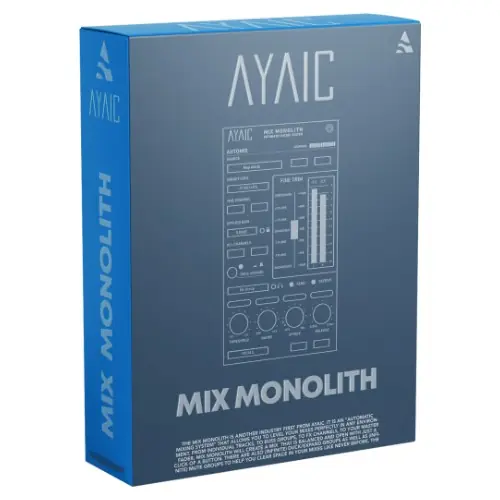
Mix Monolith is an automatic mixing system from AyaicWare that balances levels across tracks, busses, FX, and masters with one click, using precise duck/expand and mute groups.
Purpose and Core Concept
Mix Monolith is an automatic mixing system designed to level your mixes perfectly in any environment, from individual tracks to buss groups, FX channels, and the master fader. With a single click, it creates a balanced and open mix, saving time during the mixing stage.
The tool is positioned as an industry first from AyaicWare. It aims to streamline the balancing process so that producers, engineers, and musicians can achieve professional-sounding mixes quickly without manual fader rides or extensive automation.
Key Capabilities
Mix Monolith offers infinite Duck/Expand Groups and Mute Groups to clear space in your mix. Ducking is precise, so if you need a specific reduction for a bass guitar when a kick drum hits, that exact amount is applied every time. You can create groups that dip bass, overheads, ambience, or even the whole mix with a single trigger.
Expand groups allow elements like a gritty vocal distortion to increase level during louder passages. The system supports fully automatable faders. Attack and release settings can be time-based in Free mode or note-based in Host mode. A feature locks attack to a very fast setting when in sync mode.
Workflow and Integration
Mix Monolith is optimized for multiple instances in large track-count projects. Each instance can function as one entity, and a global LEARN/MIX feature can learn or mix every Monolith in the session simultaneously. Alternatively, a per-channel feature works on a single instance.
When paired with the Ceilings Of Sound Pro / Hyper-EQ, you can shape EQ ceilings and then immediately hear how they sit using the LEARN/MIX feature. An Applied Gain locking feature and a level-plane feature let you move elements forward or backward in the mix. Controls are intuitive, allowing quick parameter adjustments or typed values.
Practical Applications
Use duck/expand groups to keep a kick drum clear of bass, overheads, and room ambience. For vocals, duck reverb and delay while expanding distortion for attitude in louder passages. Mute groups help clear space by muting multiple tracks together.
Any producer, mixing or mastering engineer, musician, or songwriter can benefit. The tool is designed for creating exciting mixes in minutes and is suitable for genres where precise level control is critical. Add as many Monoliths as needed, and they will function cohesively.
Key features
- Automatic mix balancing across tracks, busses, FX, and master
- Infinite duck/expand groups and mute groups
- Precise ducking with repeatable amounts
- Fully automatable fader
- Time-based and note-based attack/release modes
- LEARN/MIX for all channels or single channel
- Applied Gain locking and level-plane features
Best for
Best for audio professionals seeking fast, automated level balancing and creative ducking/expansion in dense mixes, especially those using multiple instances across large sessions and integrating with Ceilings Of Sound Pro / Hyper-EQ for tonal placement.